Your materials in.
A real course out.
Bring your slides, your textbook, your notes — whatever you're supposed to know this semester. easierTC turns it into a real course: bite-sized lessons, practice with checks along the way, and a learning companion that guides you through the parts that never made sense. And it only knows your material — so it helps you learn, and can't help anyone cheat.
- Your materials, your course
- Answers from your material only
- Real product captures — nothing staged
Upload the textbook you never read.
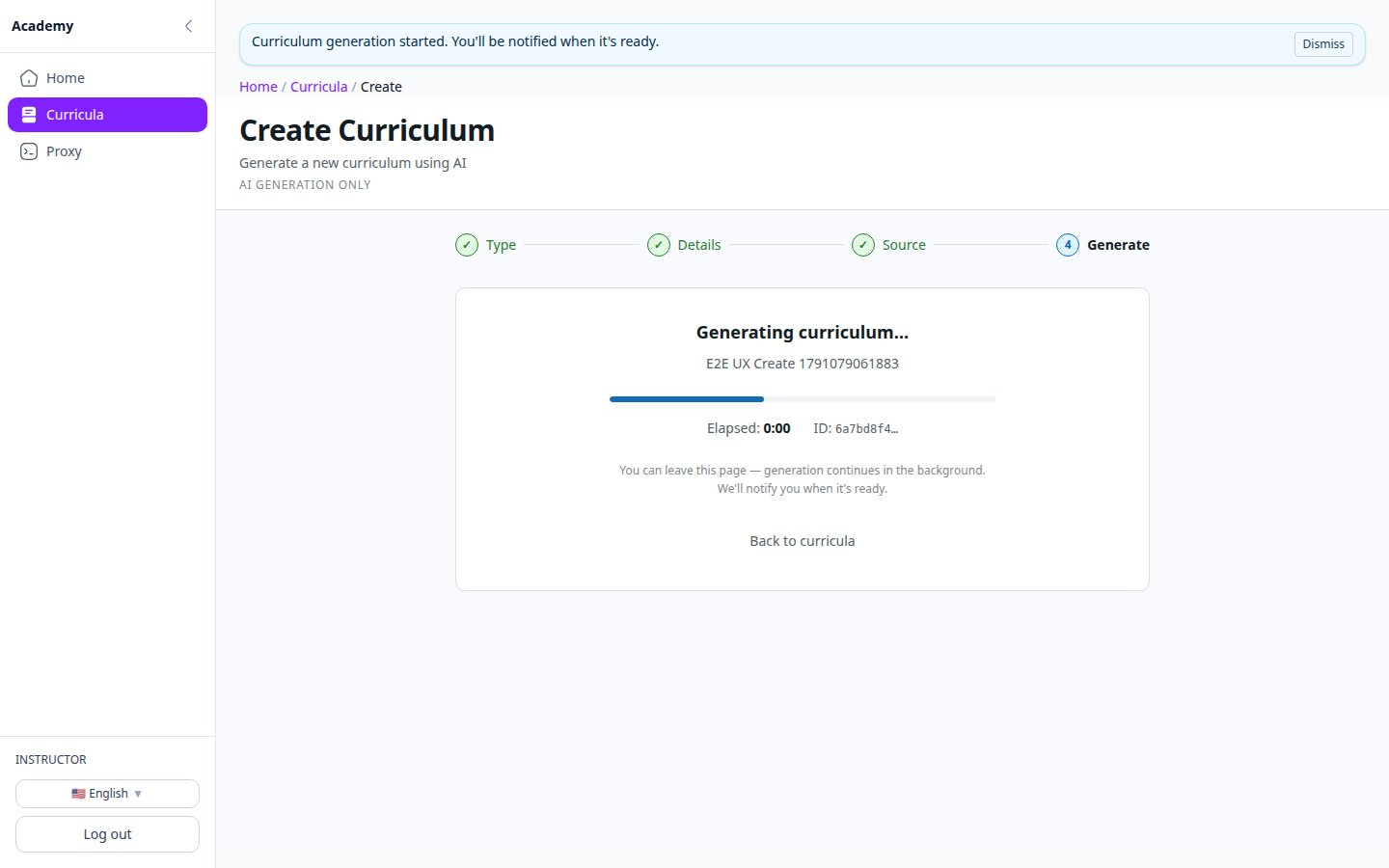
Slides, lecture notes, PDFs, the book you swore you'd open — bring it all. Pick a type, add the basics, attach material per lesson or in one batch. Your course comes back in minutes. Building your own is the main move — and if your instructor publishes one, just open that.
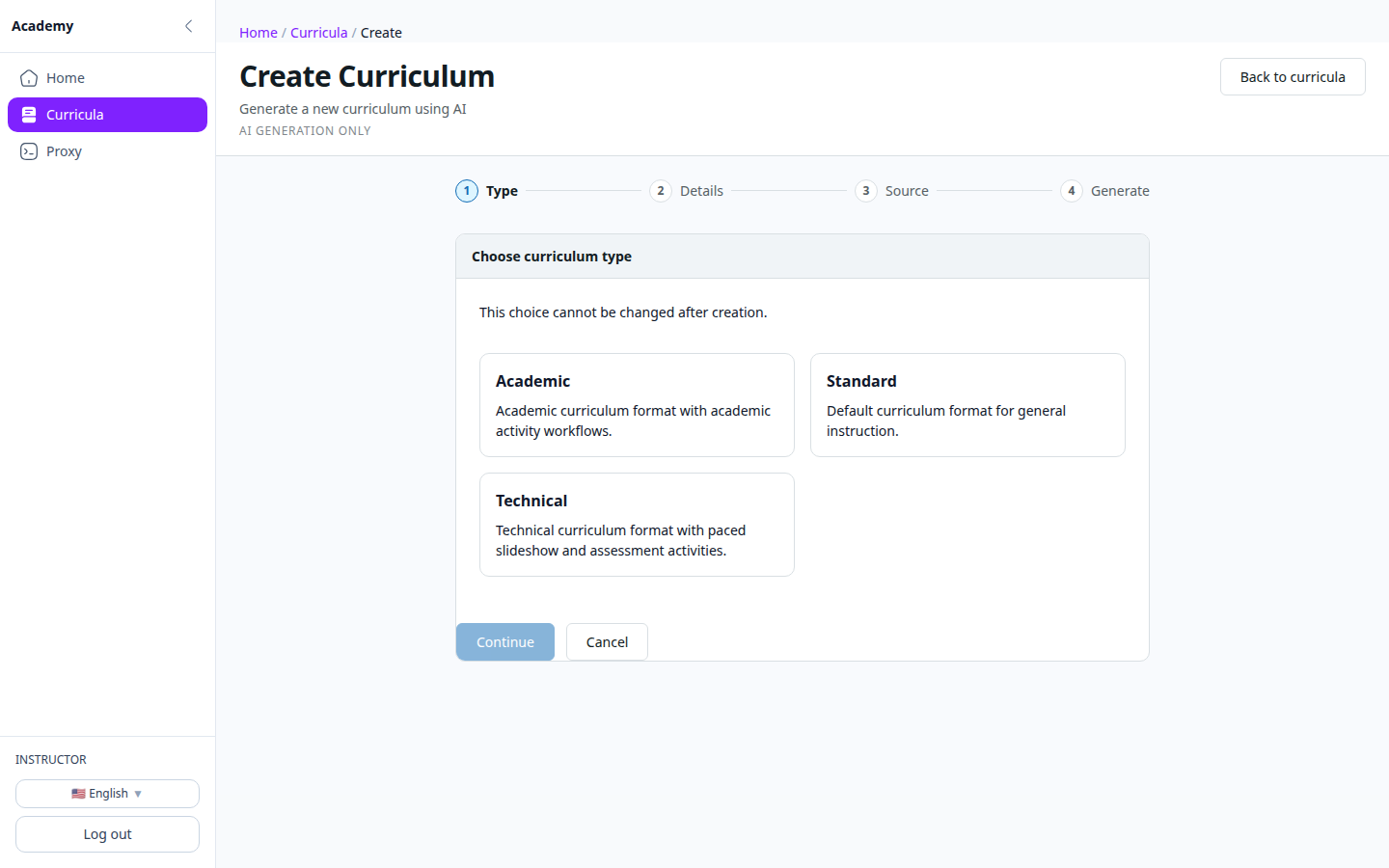
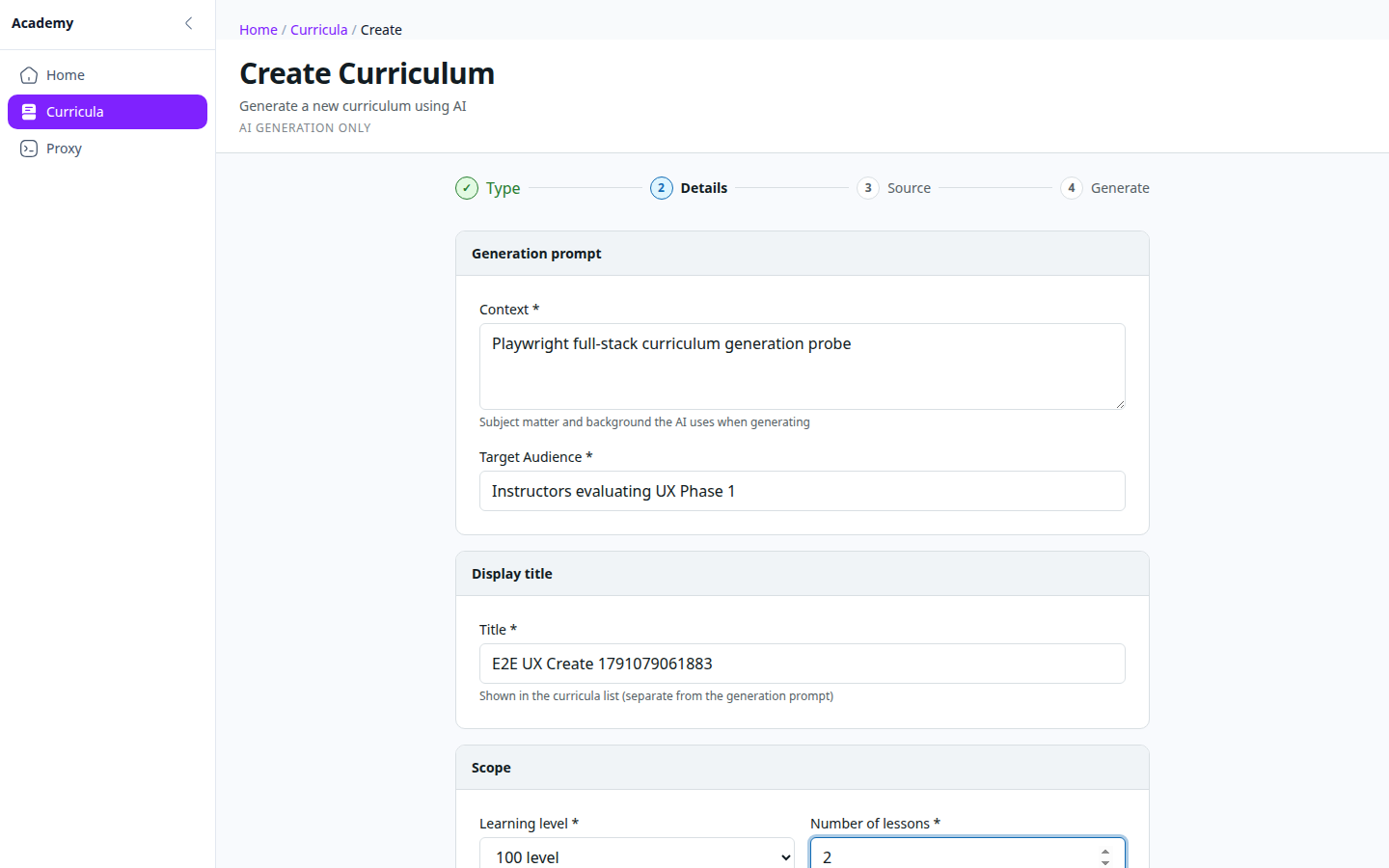
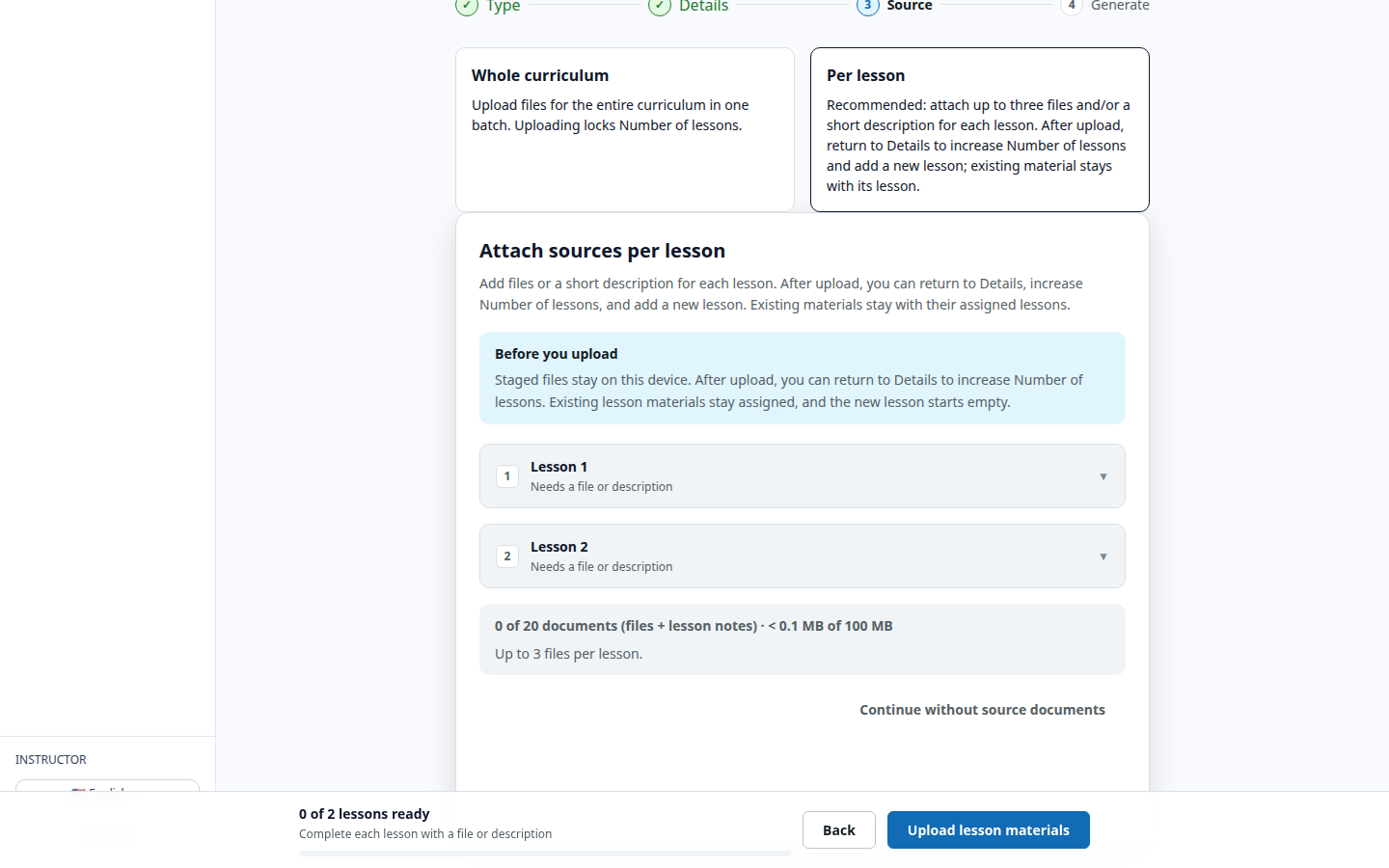
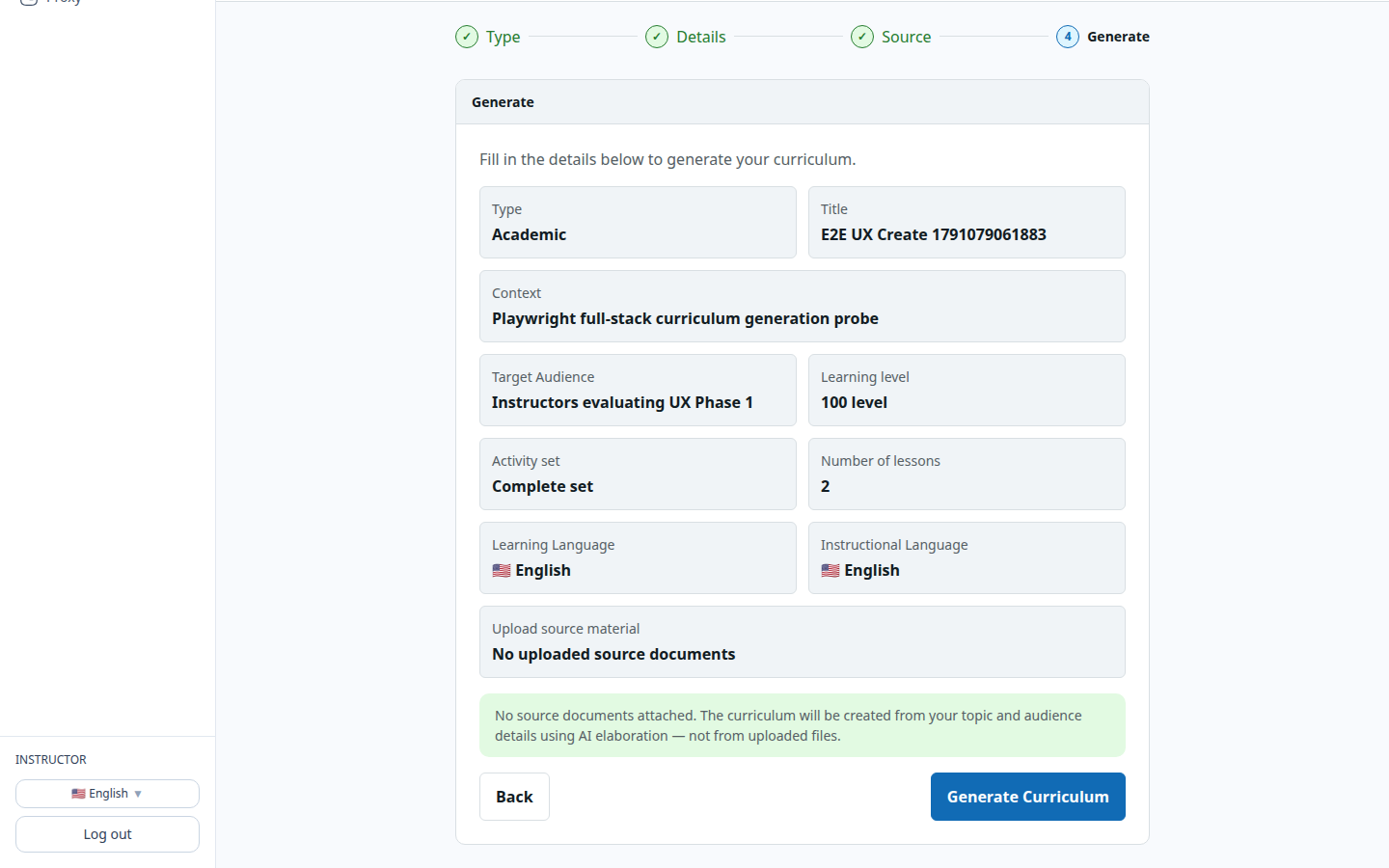
80 slides become 12 lessons. Fast.
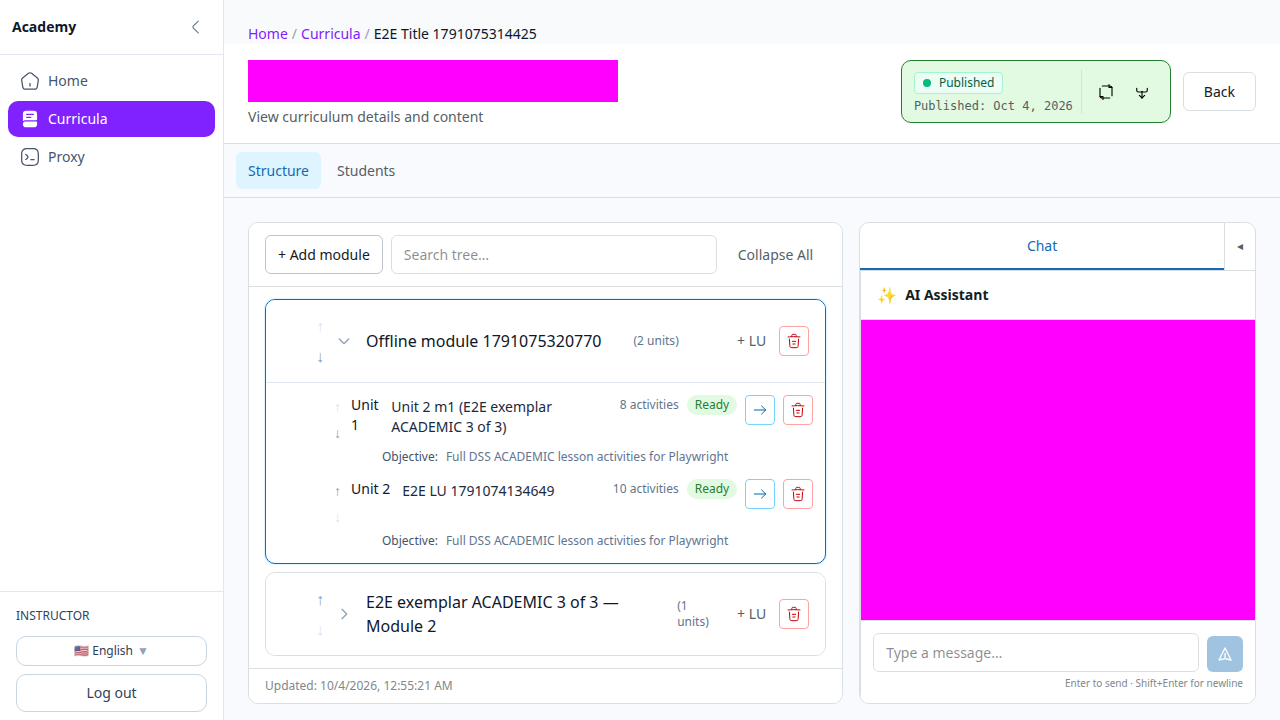
Your materials come back as modules, units, and activities — with images and audio generated alongside. The tedious typing is already done; tweak anything you want or leave it as drafted.
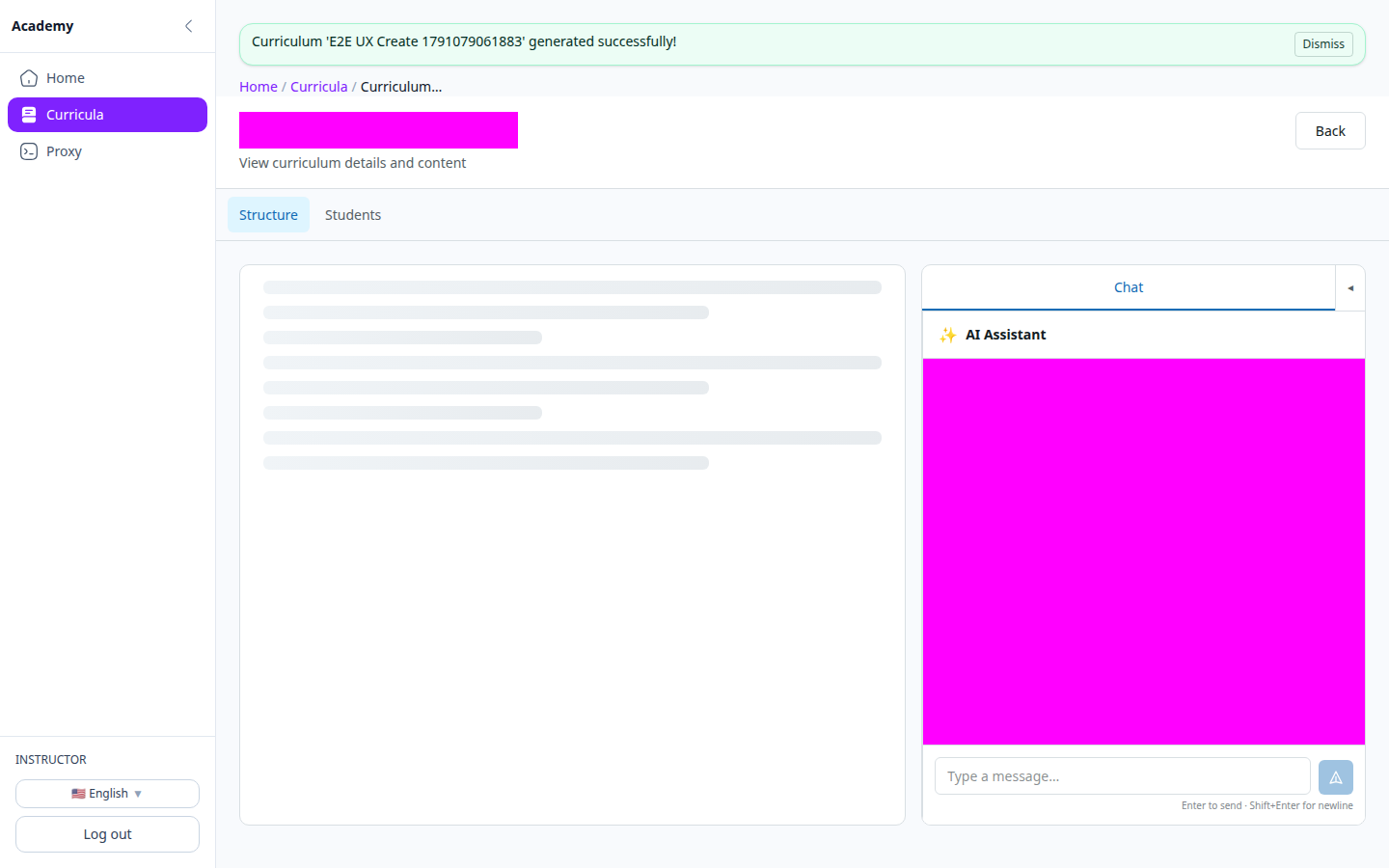
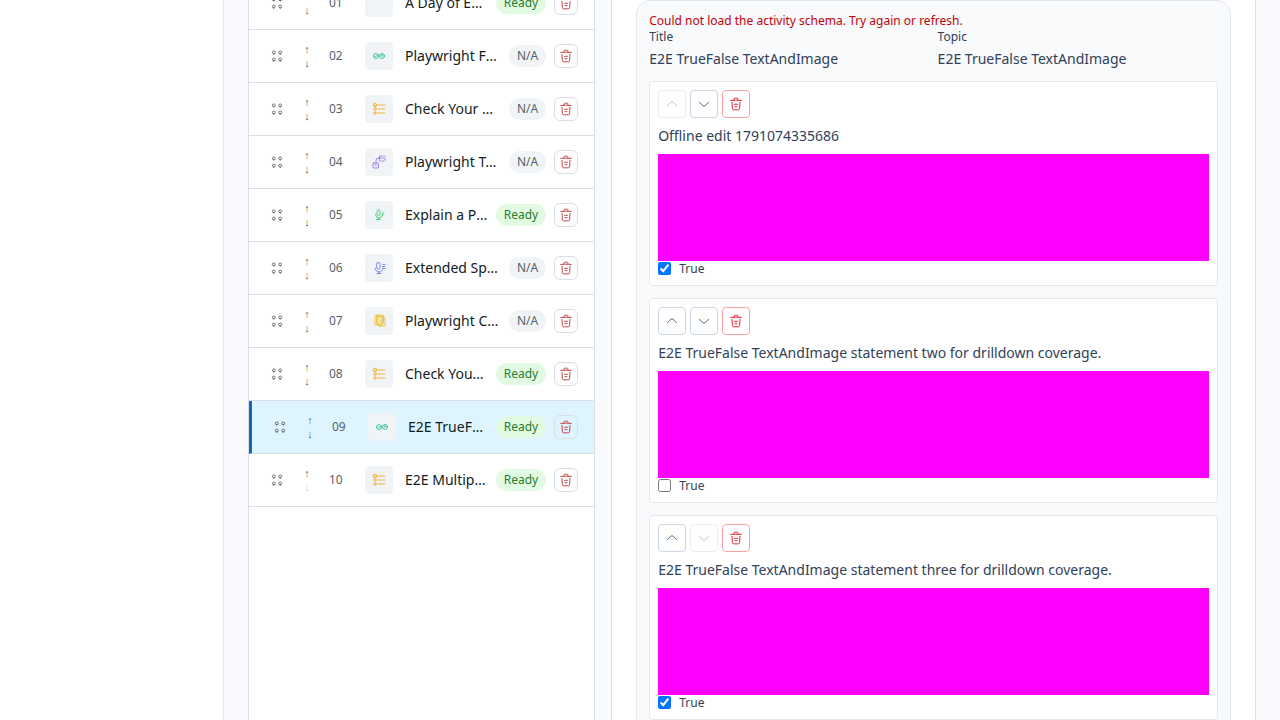
Edit it like you own it. Because you do.
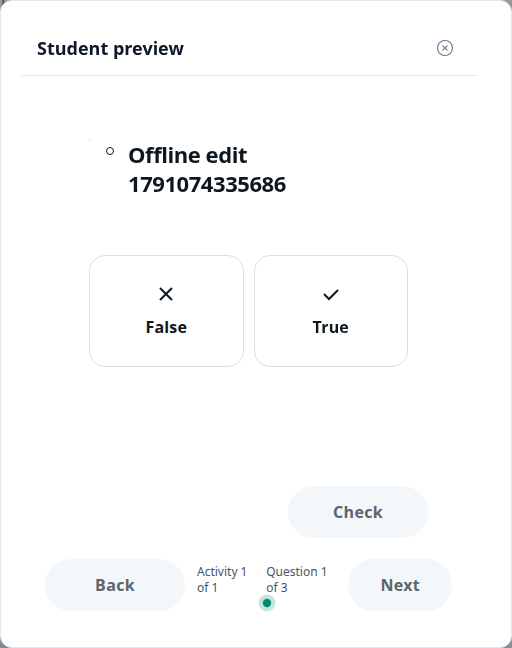
Change any activity, add the ones you want, generate images and audio from a prompt — everything auto-saves. Preview it exactly as you'll learn it, and publish when it's ready.
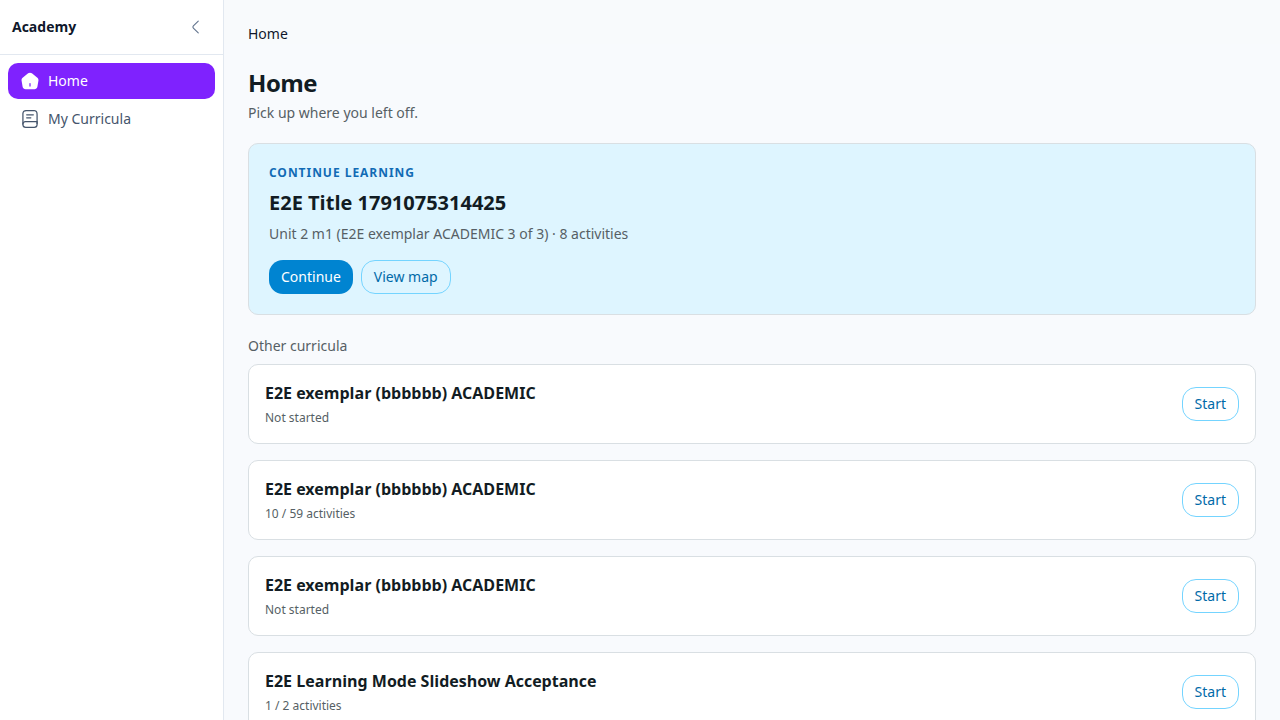
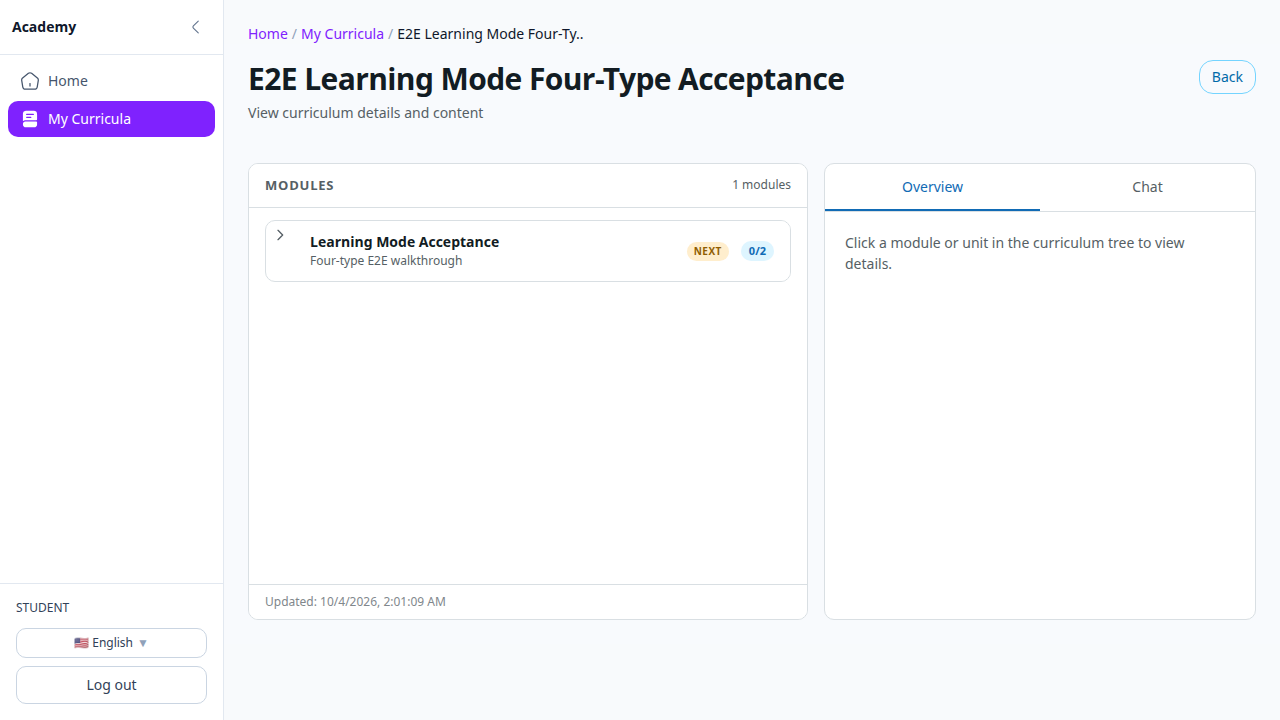
A path, not a pile of PDFs.
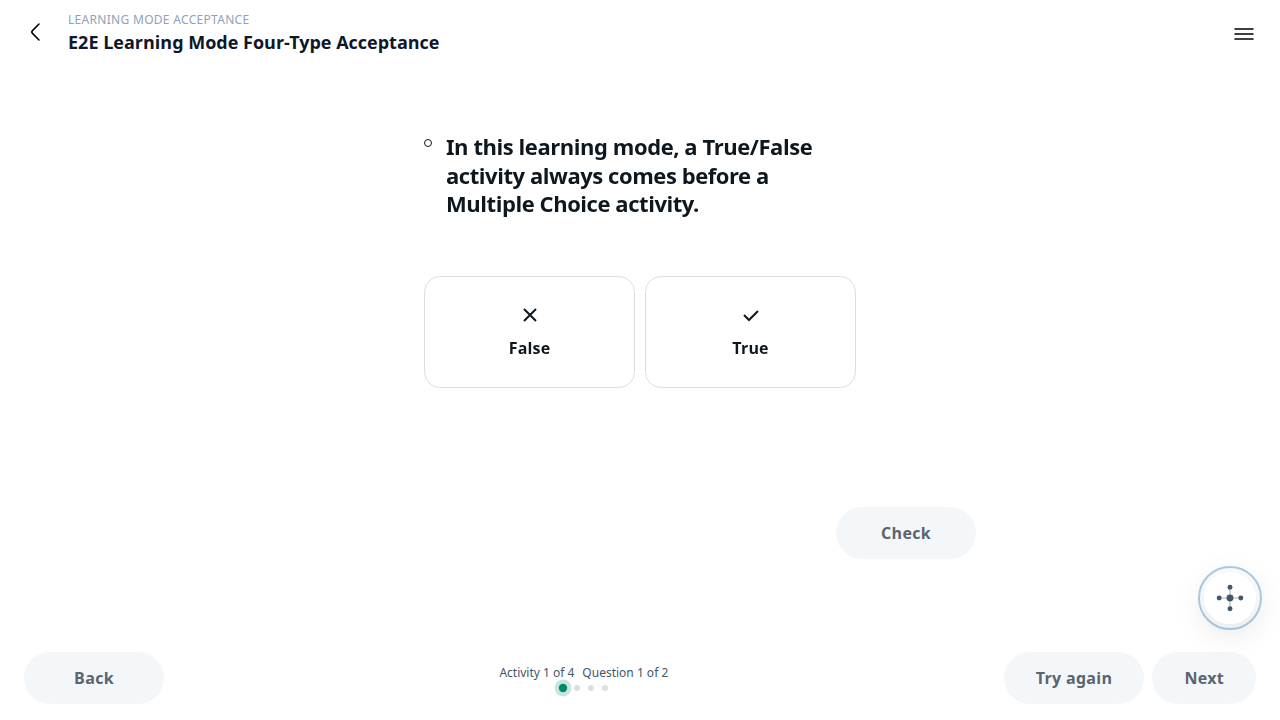
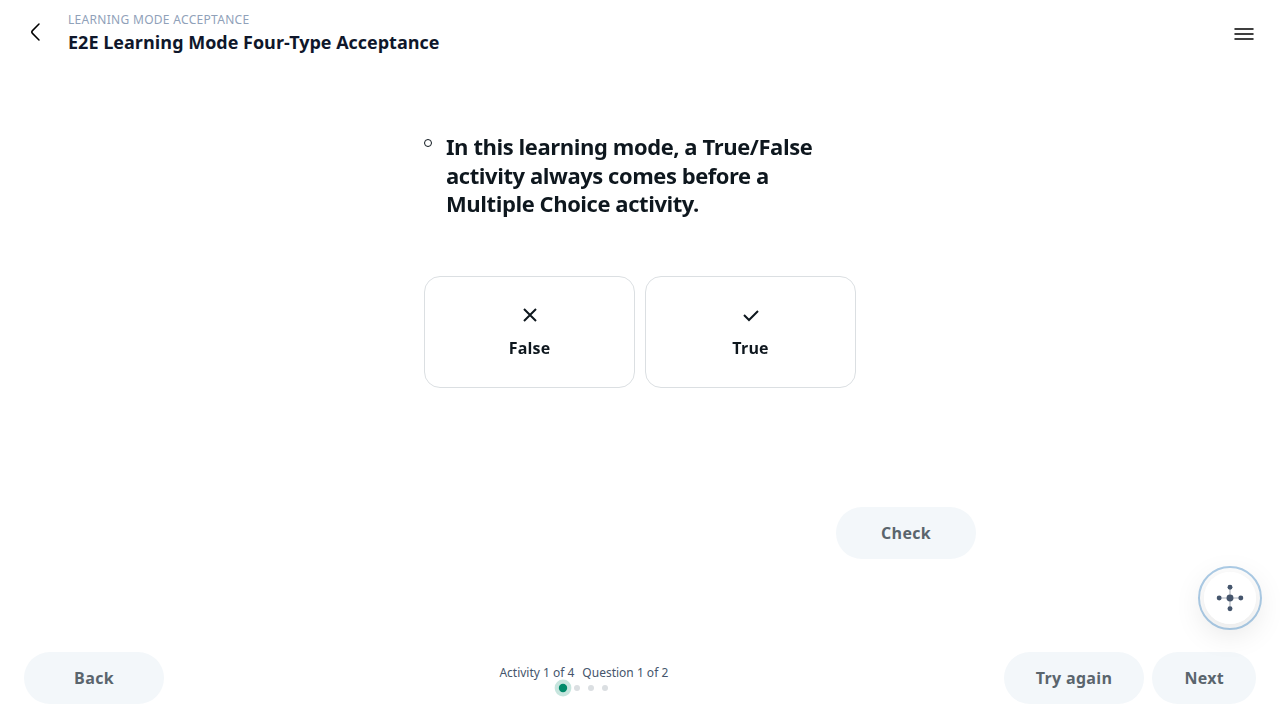
Open a map of modules and units with progress badges and work through it in order. Practice mode is focused — Check as you go, Next to advance — and progress saves the moment you exit, so you pick up right where you left off. Finished units can be replayed; read-ahead browsing never touches scores.
It can help anyone learn. It can't help anyone cheat.
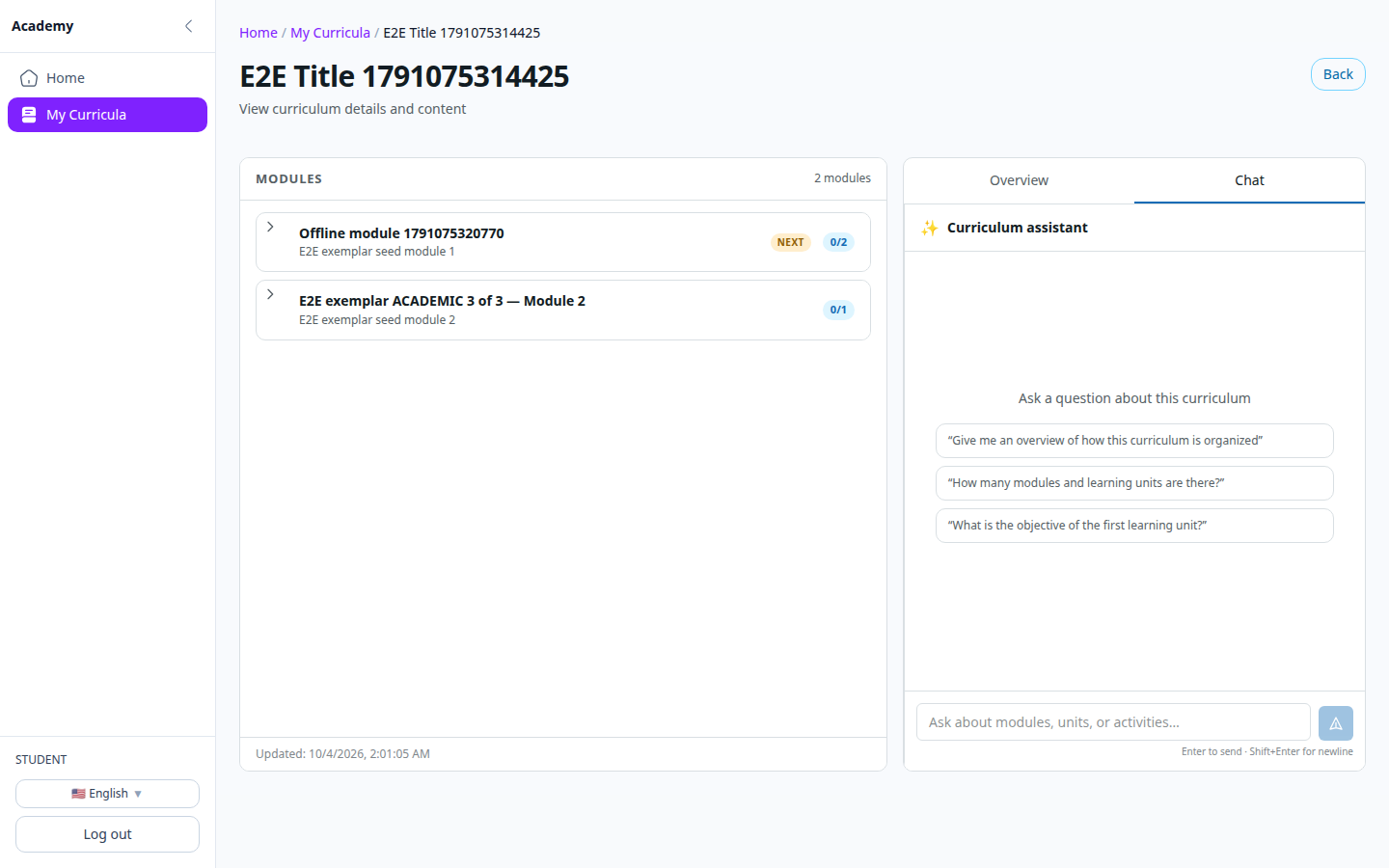
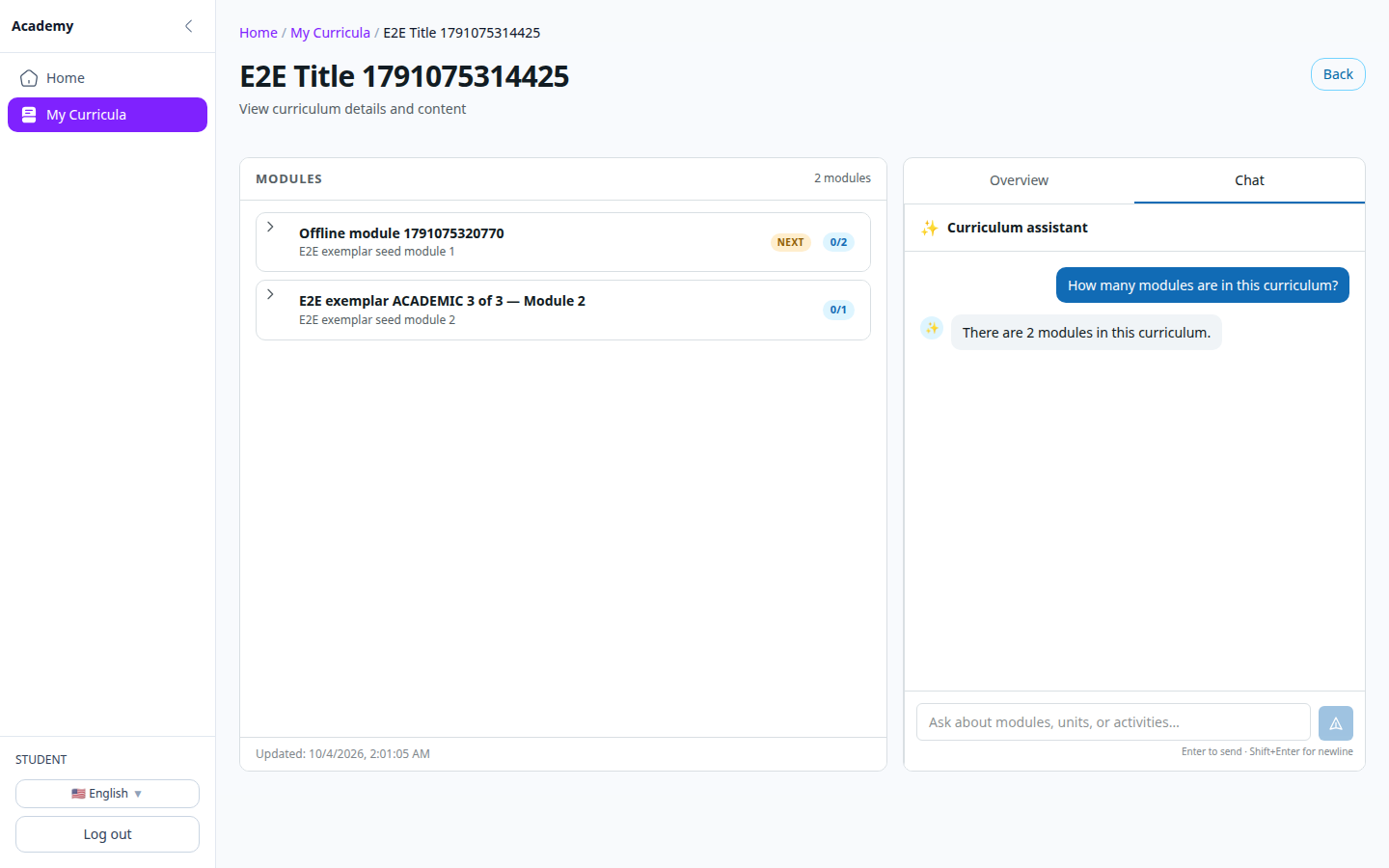
Ask questions in plain language — suggested prompts when you don't know where to start. The companion answers using only the material in that curriculum, and unit-level questions stay scoped to that unit. Help that teaches your course — never one that does the homework.
Easier Than Cheating. Own it.
Upload the textbook. Get the course. Keep the knowledge.